Which form do I need?
expand_more
expand_less
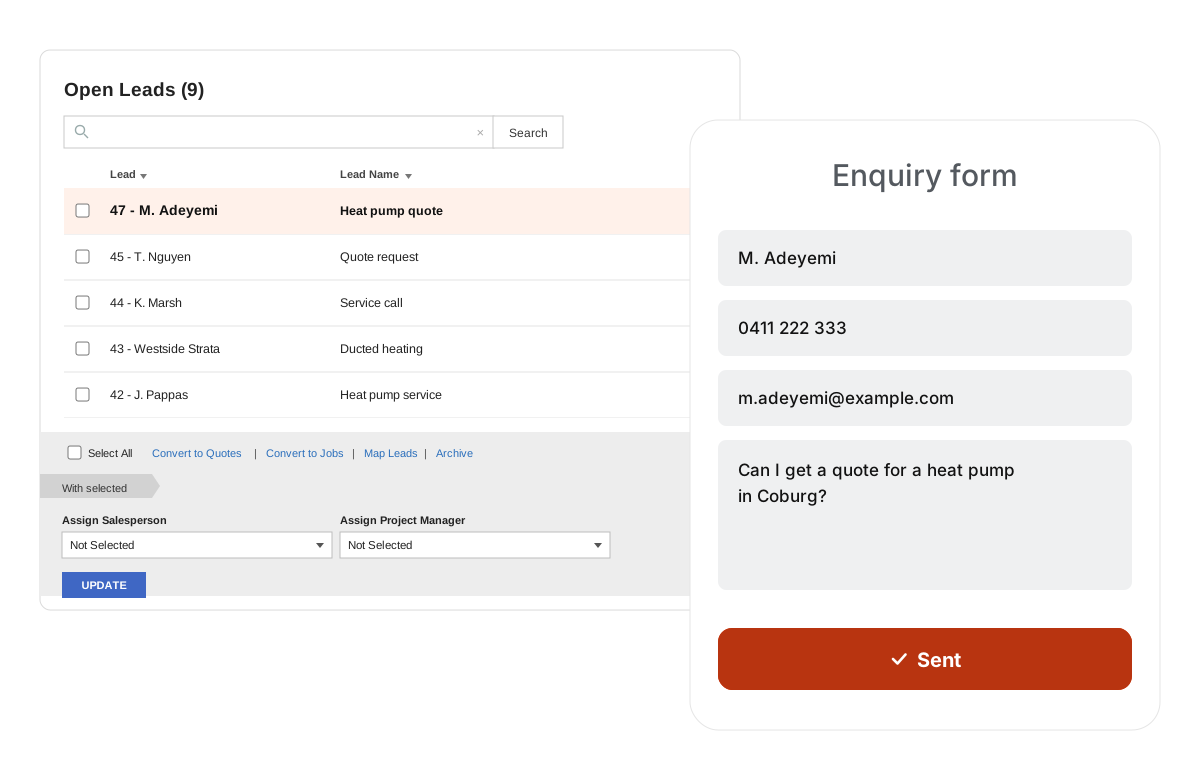
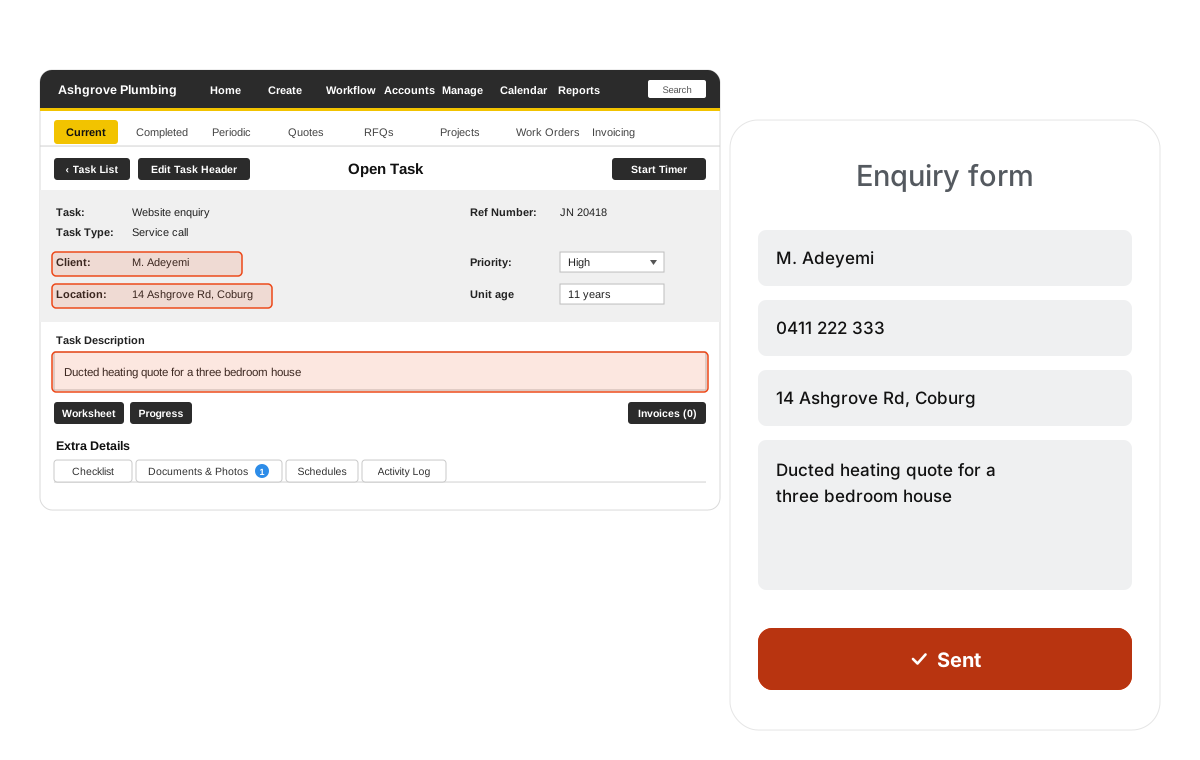
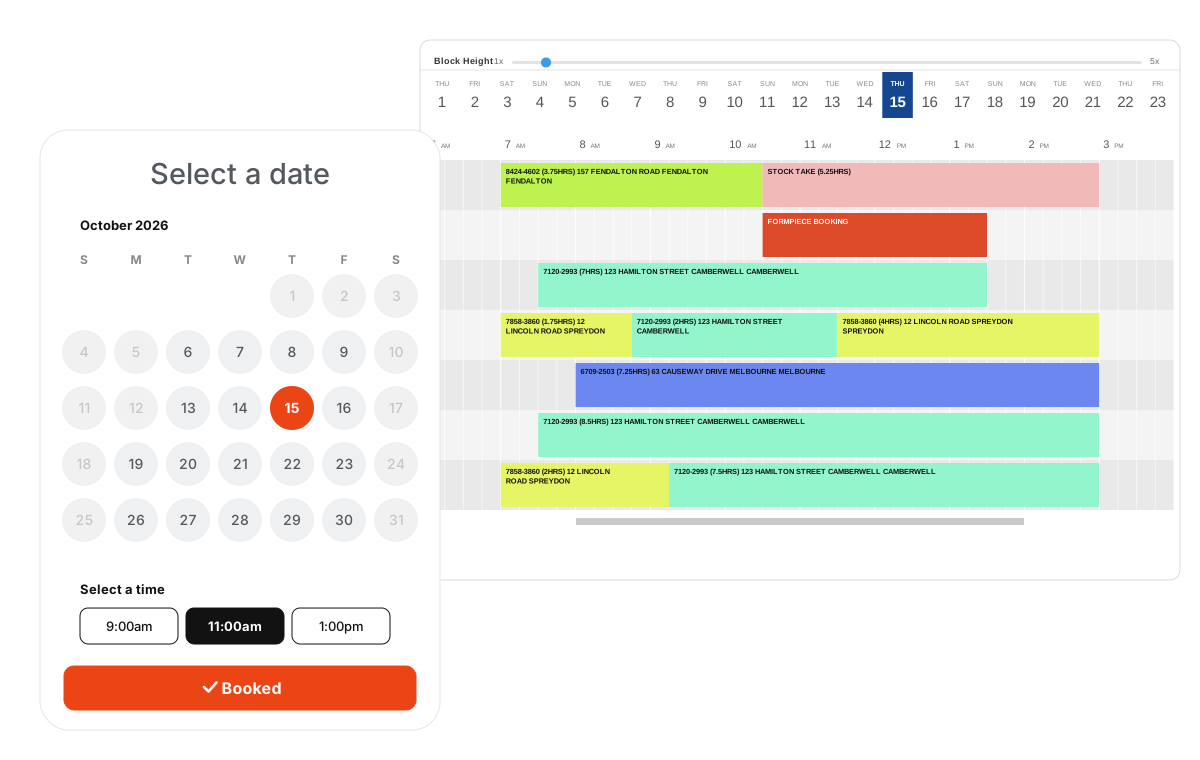
If you can price the work from a service list and it takes a known amount of time, the booking form suits - the customer picks a slot and you get a scheduled job or quote. If you have to see the site before you can quote, the lead form suits - you get a lead with the details and photos, ready for someone to follow up. Plenty of businesses run both, on different pages.
Do I have to change anything in Simpro?
expand_more
expand_less
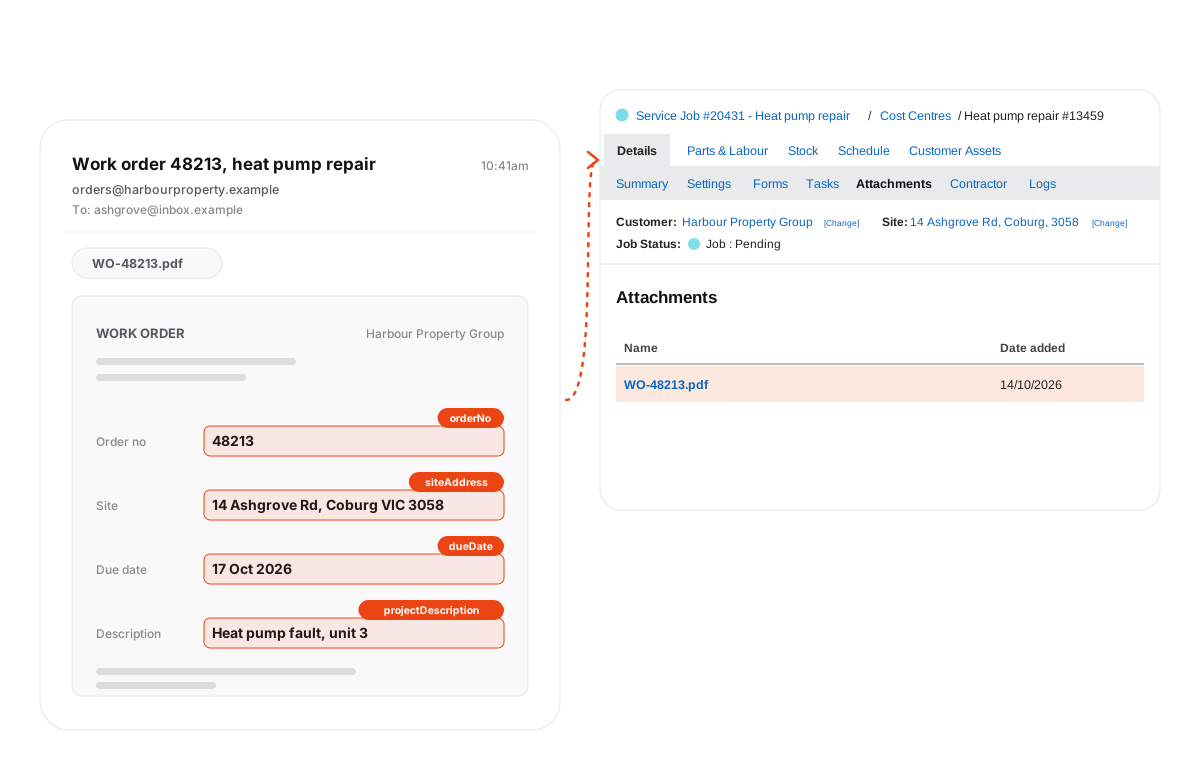
Formpiece reads the build you already have - pre-builds, service fees, cost centres, schedule rates, lead statuses, custom fields and recurring jobs - and you choose which of them a form may use. What it can't do is invent them. If a service has no pre-build, or your technicians have no working hours, that's the part to sort out first.
How long does it take to get live?
expand_more
expand_less
That depends on your Simpro build, not on Formpiece. Connecting your account and creating a form takes minutes. Getting the services, calendars and rates right behind a booking form is the real work, and for most businesses it's a considered piece of setup rather than an afternoon. A lead form needs far less, which is why it's often the quicker thing to ship first.
Does it create a real record, or something I have to copy over?
expand_more
expand_less
A real one. The booking form creates a job or quote in the company you nominate, with the site, customer, cost centre, schedule and custom fields set. The lead form creates a Simpro lead with status, salesperson, follow-up date and tags. Nothing is queued for someone to re-key later.
Can customers book against a job that already exists?
expand_more
expand_less
Yes, on the Geosearch plan. You generate a private link for a job that's already in Simpro, send it by SMS or email, and the time the customer picks schedules against that job rather than creating a second one. The manual part is choosing which jobs to send links for, and that usually wants a bit of filtering work in Simpro first, a tag or a status that marks a job as ready to book.
Can a service be booked against specific engineers only?
expand_more
expand_less
Yes. Availability is set per service, so a survey can come from one or two nominated employees or contractors. If it suits you the other way round, the form can let the customer choose who they book instead. You can also choose which weekdays are available for an engineer.
Can I leave a gap between appointments for travel?
expand_more
expand_less
Yes, per service. Available time is set separately from scheduled time, so a 60 minute job with 90 minutes of available time books 10am to 11am in Simpro but only takes the slot if 10am to 11:30am is clear.
Can availability follow where the team already is?
expand_more
expand_less
Yes, on the Geosearch plan. A slot only shows if the site is near a schedule that employee already has that day. The measure is straight line distance rather than road time, which is worth knowing if you work somewhere two miles in a straight line can be 45 minutes apart by road.
Can customers pay when they book?
expand_more
expand_less
Yes, by card through Stripe or Square on the booking form. The payment comes back into Simpro as an invoice and a payment against the job, using the payment method and accounting category you nominate.
We run more than one Simpro company.
expand_more
expand_less
Supported. Forms are tied to a company, and a single booking form can offer availability across additional companies where that's how you're set up.
Will this need a developer?
expand_more
expand_less
Not to build the form. That is all done in your Formpiece dashboard, and everything you change afterwards is too. Getting the finished form onto your website means pasting in a snippet once, and that is the one part where a developer is handy. It is not a requirement though, and plenty of people manage it themselves.
Will you do the setup for us?
expand_more
expand_less
Onboarding and implementation is done with you and comes with the subscription, unless you are after a customisation specific to your business. Getting the Simpro side right is the bulk of the work and it is the part worth doing together.


 or
or  you already run.